methods
Moyasar's WooCommerce plugin supports multiple payment methods to cater to your customers' preferences. Each method can be enabled and customized individually.
To manage payment methods:
- Go to WooCommerce -> Settings -> Payments.
- Toggle the Enabled switch for the desired method.
- Click Manage or Set up to configure specific settings.
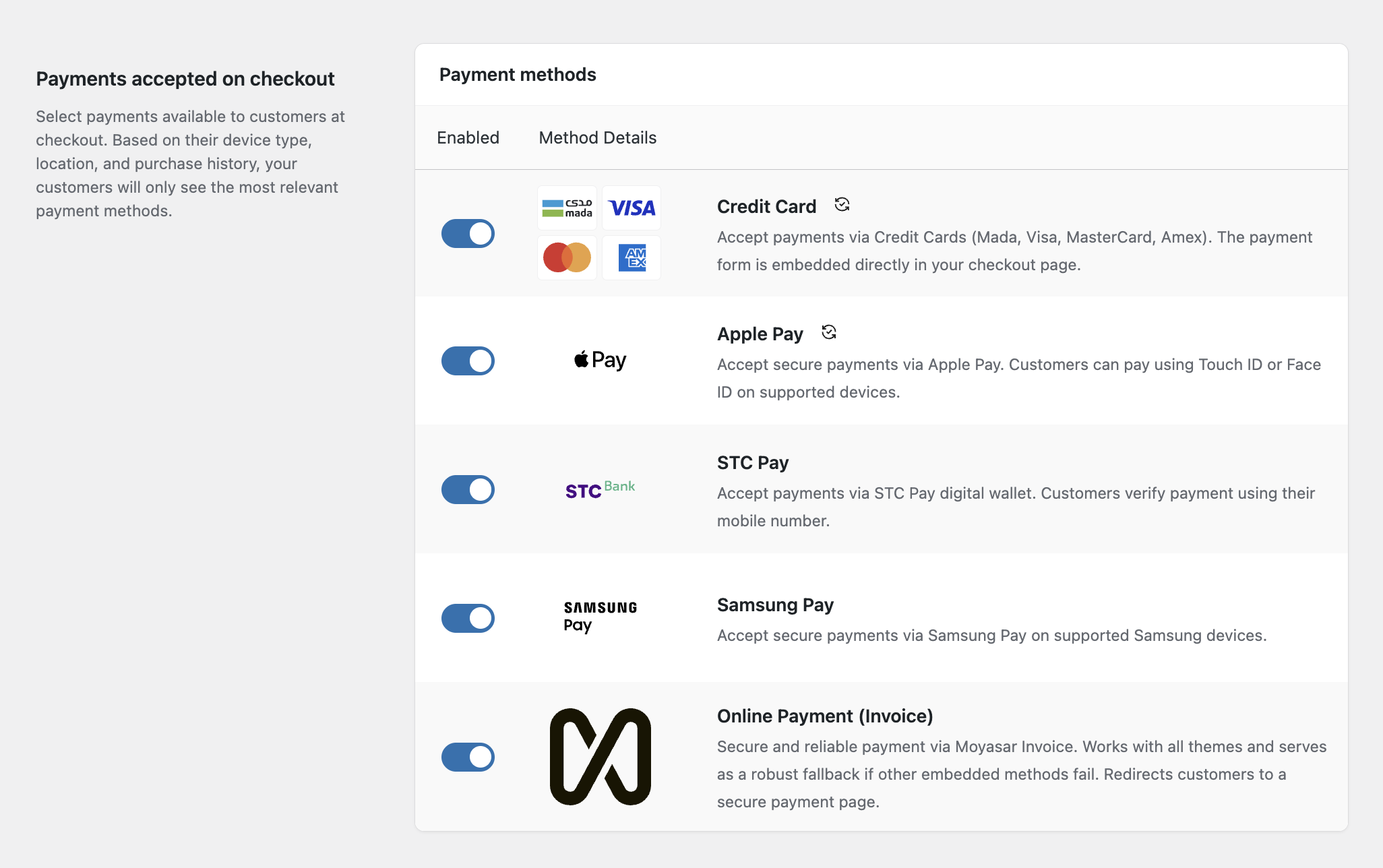
Credit Card
Accept major credit and debit cards directly on your checkout page.
Configuration
- Enable/Disable: Toggle to show/hide this method.
- Allowed Brands: Select which card brands to display icons for (Mada, Visa, MasterCard, Amex, UnionPay).
- Instant Checkout: Enable "Quick Buy" buttons on product pages (see Features for details).
Apple Pay
Accept secure payments via Apple Pay on supported devices (iPhone, iPad, Mac).
Requirements
- Your site must be served over HTTPS.
- You must verify your domain with Apple.
Configuration
- Enable/Disable: Toggle to show/hide this method.
- Allowed Countries: Restrict payment method availability to specific countries (optional).
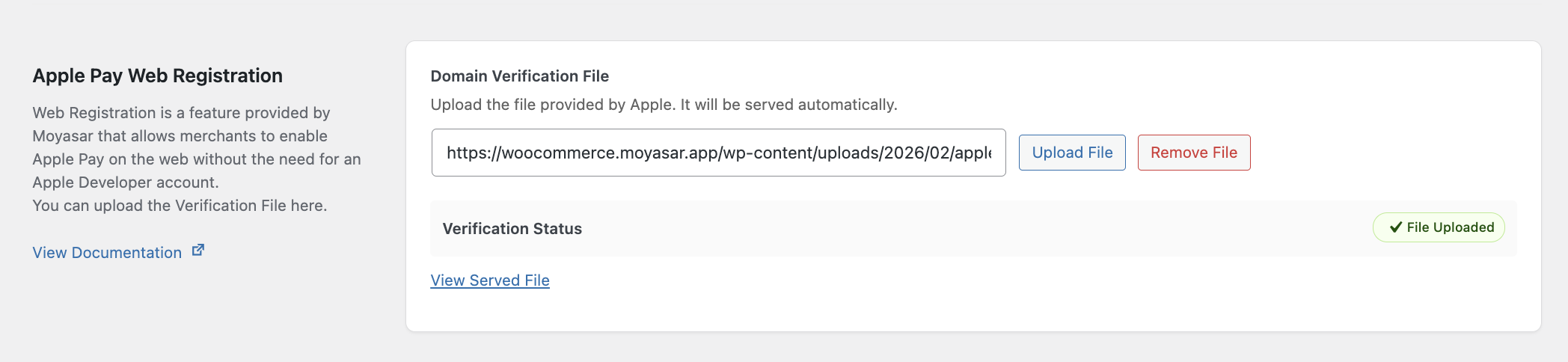
- Domain Verification:
- Download the domain association file.
- The plugin attempts to serve this file at
/.well-known/apple-developer-merchantid-domain-association. - Verify the status in the Apple Pay settings page. If validation fails, ensure the file is accessible.
- Button Style: Customize the Apple Pay button appearance (Black, White, White Outline).
STC Pay
Accept payments via the STC Pay digital wallet. Customers verify payment using an OTP sent to their mobile number.
Configuration
- Enable/Disable: Toggle to show/hide this method.
Samsung Pay
Accept secure payments via Samsung Pay on supported Samsung devices.
Configuration
- Enable/Disable: Toggle to show/hide this method.
- Service ID: innovative service ID provided by Moyasar.
Moyasar Invoice (Online Payment)
The Universal Payment Method
Moyasar Invoice (labeled as "Online Payment") is a highly compatible, redirect-based payment method. Instead of entering details directly on your checkout page, customers are redirected to a secure, hosted payment page managed by Moyasar.
Why use it?
- Maximum Compatibility: Works with Most WordPress themes and plugins. If you face styling issues or conflicts with other methods, this is the ultimate solution.
- All-in-One: Supports all payment methods enabled in your Moyasar Dashboard (Card Payment, Apple Pay, STC Pay, etc.) in a single unified page.
Configuration
- Enable/Disable: Toggle to show/hide this method.